Downloads

Download Sentinel Core Vision

Grab the Windows launcher, paste your license key, and you're tuning in minutes. The full engine runs locally — nothing is injected into your application.

Windows launcher
v1.0 Coming soon

The detection engine, dashboard, and all 11 tracking engines are in final testing. Join the community to get early access and be first to know when the Windows installer goes live.

Get early access on Discord
Windows 10 / 11 · 64-bit
Already installed? Open the dashboard at localhost:5000
Before you install

System requirements

Sentinel runs on a mainstream PC. A capture source and a supported output device are required to feed frames in and send output back out.

Minimum

Gets you running
Operating systemWindows 10 / 11 · 64-bit
GPU + providerDirectML-capable GPU
Capture sourceCapture card or local feed
Output deviceTitan Two (supported output adapter)
Memory8 GB RAM

Recommended

Smoother feel
Operating systemWindows 11 · 64-bit
GPU + providerNVIDIA (CUDA / TensorRT)
Capture sourceHigh-frame-rate capture card
Output deviceTitan Two (supported output adapter)
Memory16 GB RAM
Installation

Install in four steps

From download to your first tuned profile — no config files, no command line.

1

Download & run

Grab the launcher above and run it. It unpacks the engine and dashboard in seconds.

2

Paste your key

Drop in your license key — it binds to your PC and auto-activates, no restart needed.

3

Pick your setup

Choose your capture source and supported output device in Setup. The launcher checks you're ready.

4

Open & tune

Open the dashboard in your browser, dial in the feel, and watch it live. Adjust any time.

Step 3 · Setup

The launcher checks your setup for you

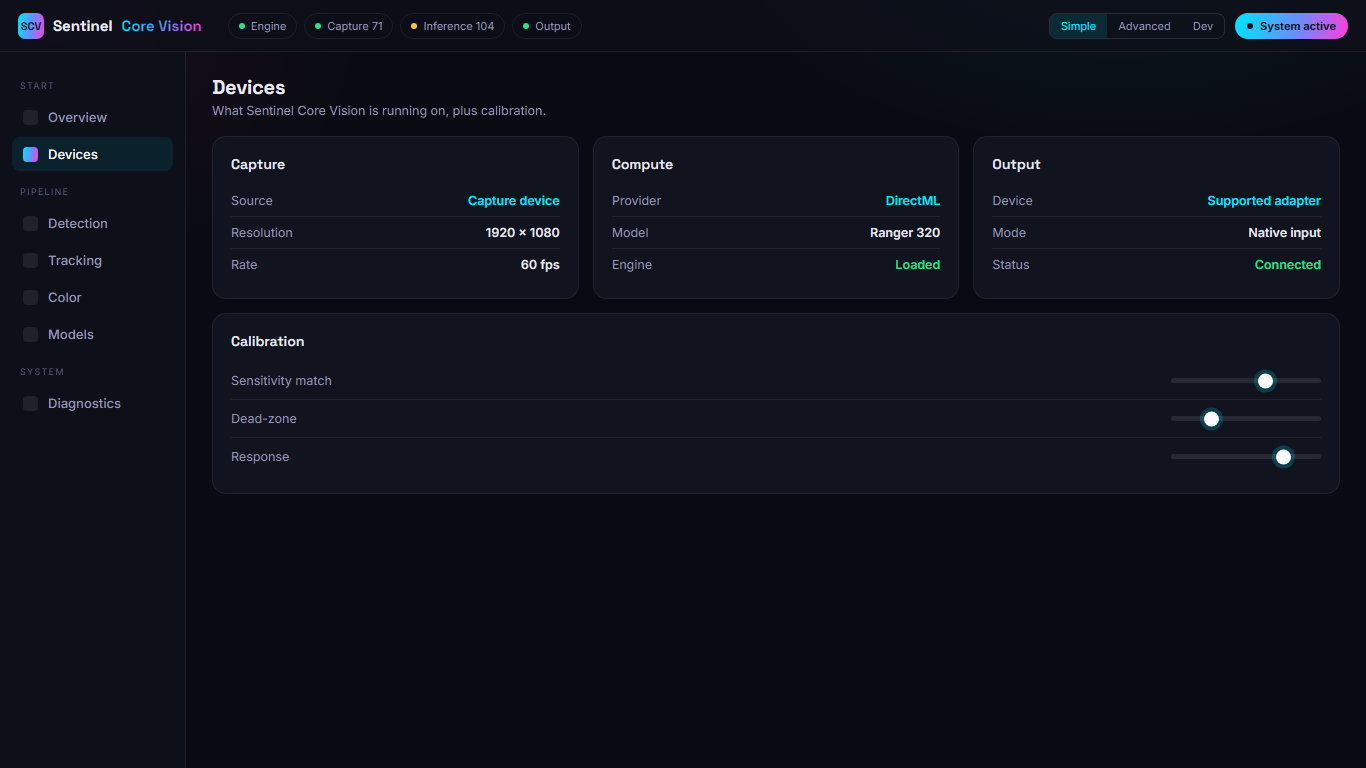
Setup walks through your capture source, output device, and provider — and flags anything that isn't ready before you start. Once it's green, the dashboard is one click away in your browser.

  • Guided capture + output selection
  • Live requirement checks before launch
  • One-click jump into the dashboard
Setup · capture & output
Sentinel Core Vision Setup screen for capture and output devices
What's new

Release notes

v1.0.0 Initial release First public build
  • Real-time detection engine — ONNX model with GPU acceleration (DirectML / NVIDIA) and hot-swappable models.
  • 11 swappable tracking engines — predictive tracking and ownership locking, switchable live without a restart.
  • Color fusion — optional HSV color confirmation with a live color scout and excluded-color safety.
  • Local tuning dashboard — simple, advanced, and developer surfaces in your browser with full profile save & load.
  • One-click activation — paste your key and the launcher binds and activates in seconds, all on your hardware.

Be first in line.

Join the community for early access, setup help, and release news the moment the installer ships.